0%
Creating Your Provably Account
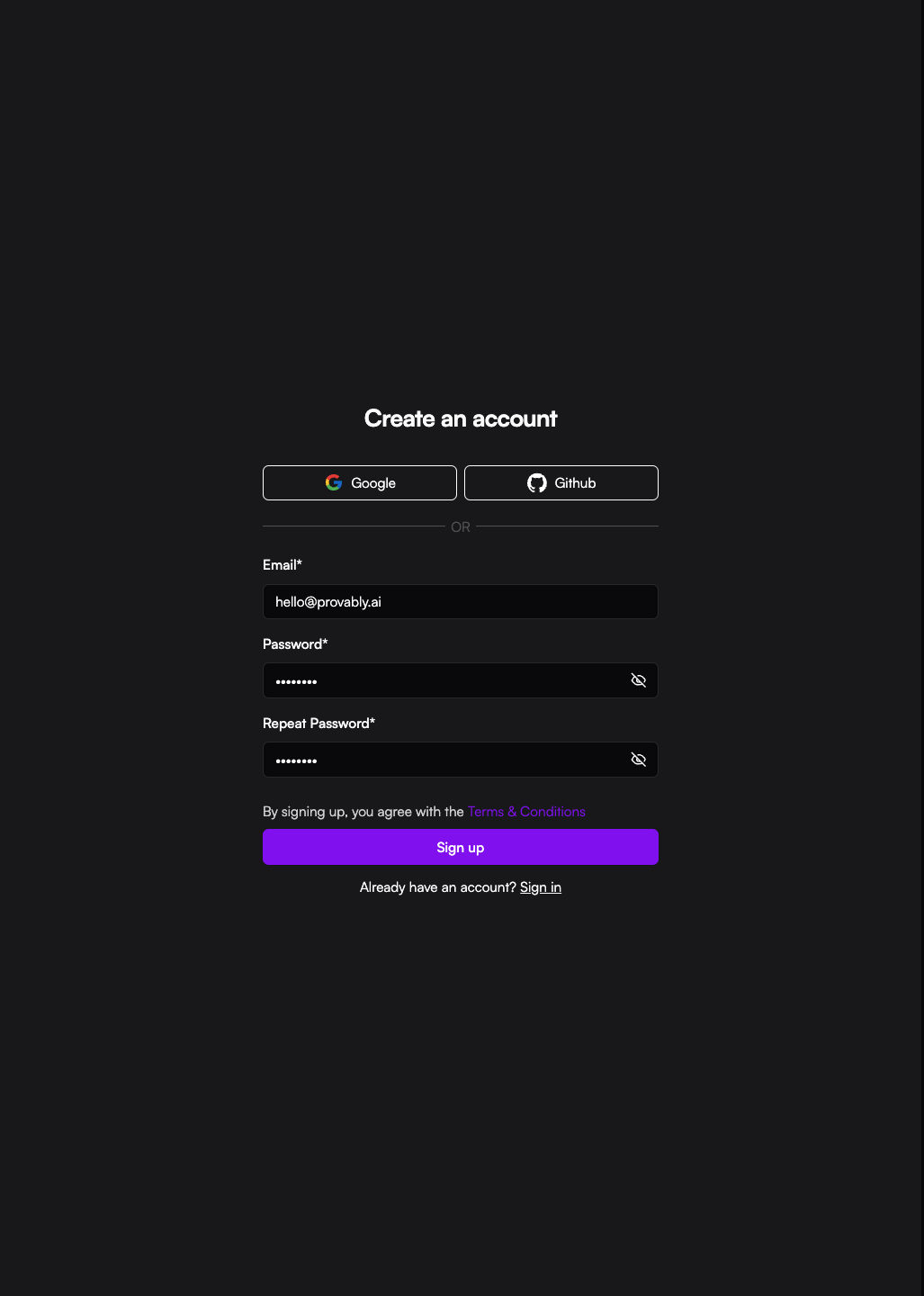
Create an account
To get started with the Data Admin portal, you’ve got two ways to sign up:
- The Fast Track: Use your Google or GitHub account for a one-click setup.
- The Manual Way: Enter your work Email, set a secure Password (make sure they match), and hit Sign up.
By clicking Sign up, you agree to our Terms & Conditions and will be ready to begin managing your data.
Confirming your email
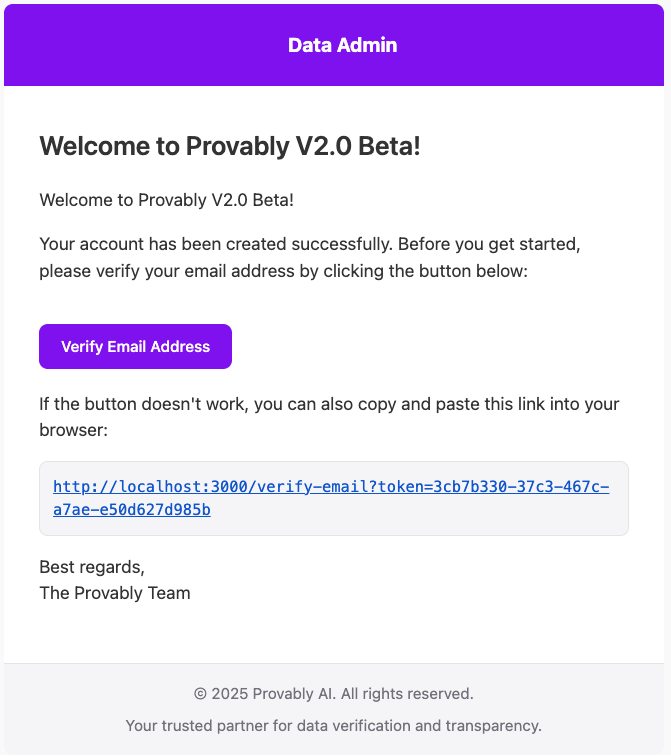
Before you can jump into the dashboard, we need to make sure you’re really you.
- Check your inbox: Once you hit sign up, we’ll send a verification link to your email.
- Click the link: Open the email from Provably and click the Verify Email button. This will verify your account, and you can then head back to the app to log in.
- Didn't get it? If the email doesn't show up after a few minutes, just try the registration process again to trigger a new one.
Resetting your password
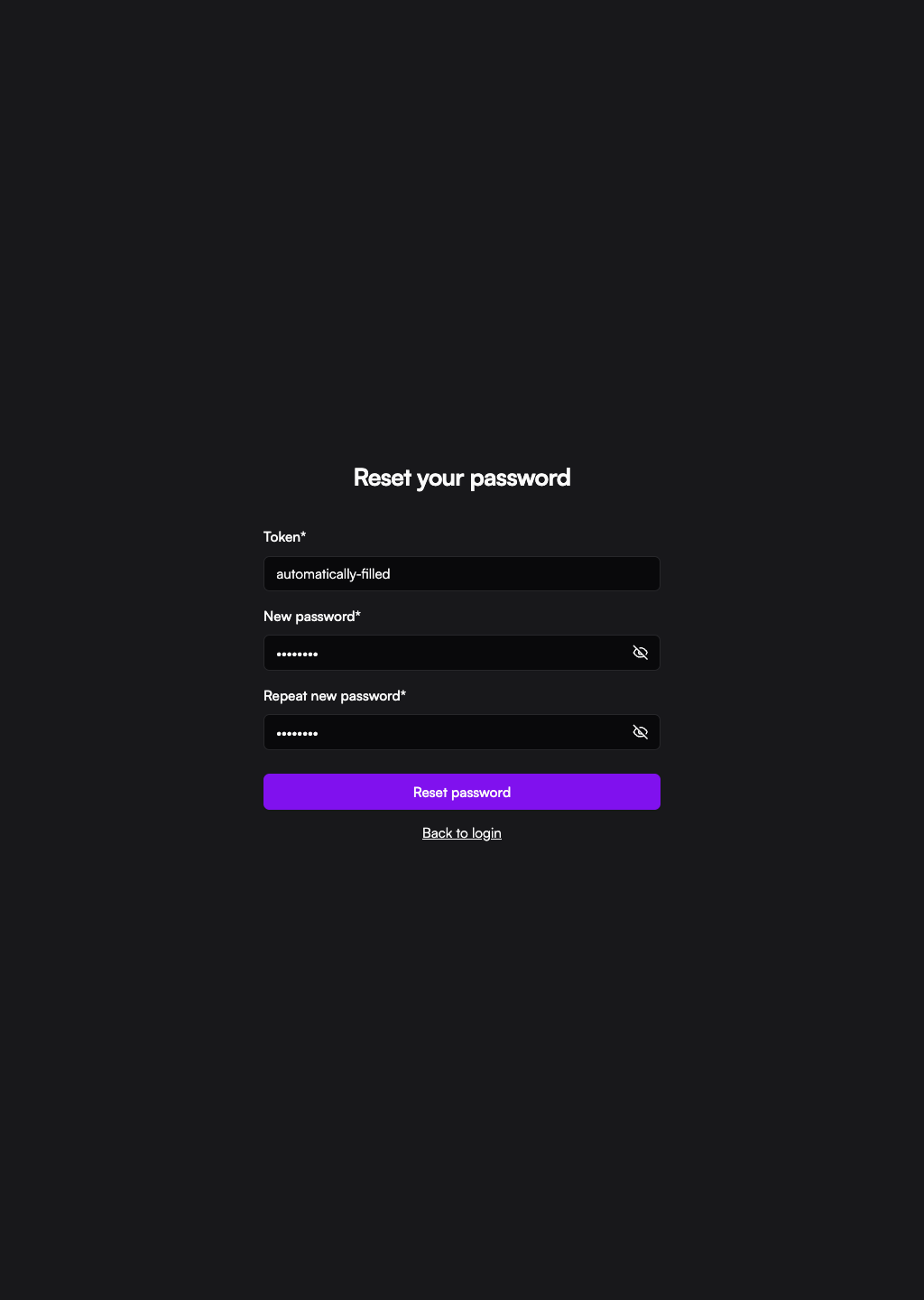
If you’ve lost access to your account, don't worry—getting back in is straightforward.
- Request a reset: Head to the Sign In page and click "Forgot password." Enter the Email associated with your account and hit Send.
- Check your inbox: We’ll send you a recovery link immediately. Click that link to choose a new password.
- Didn't get the email? Just like the signup process, if the email doesn't arrive after a few minutes, you can simply submit the request again to trigger a new link.