0%
Creating your Organisation
Now that you're in, the first step is to set up your organization workspace. This is where you’ll manage your data and create your collections.
Step 1: Basic Identity
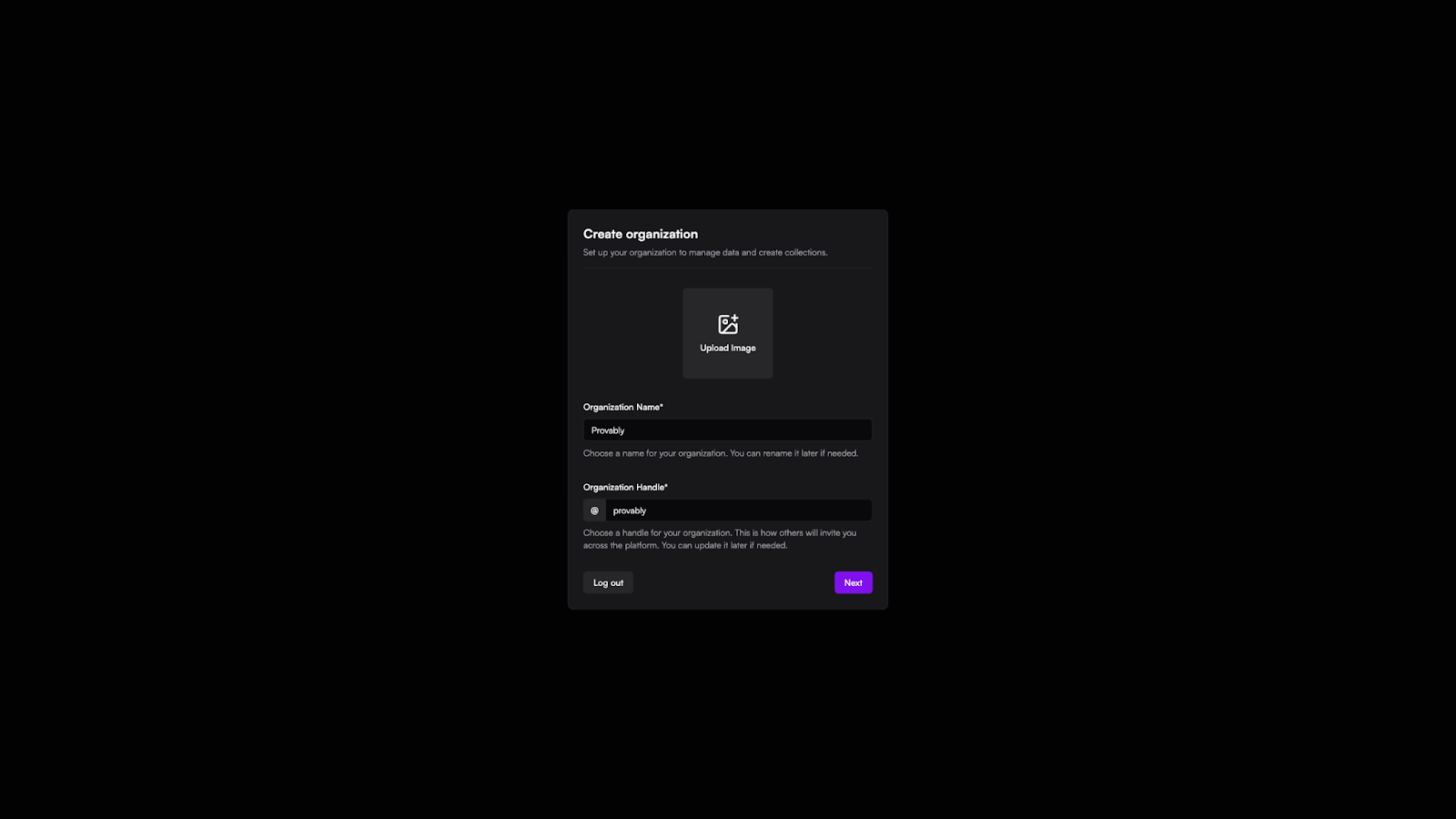
- Branding: Upload an image for your organization to make it easily recognizable.
- Name & Handle: Give your organization a name and choose a unique Handle. The handle is how others will find and invite you across the platform. Don't worry—you can always rename these later if you need to.
Step 2: Details & Purpose
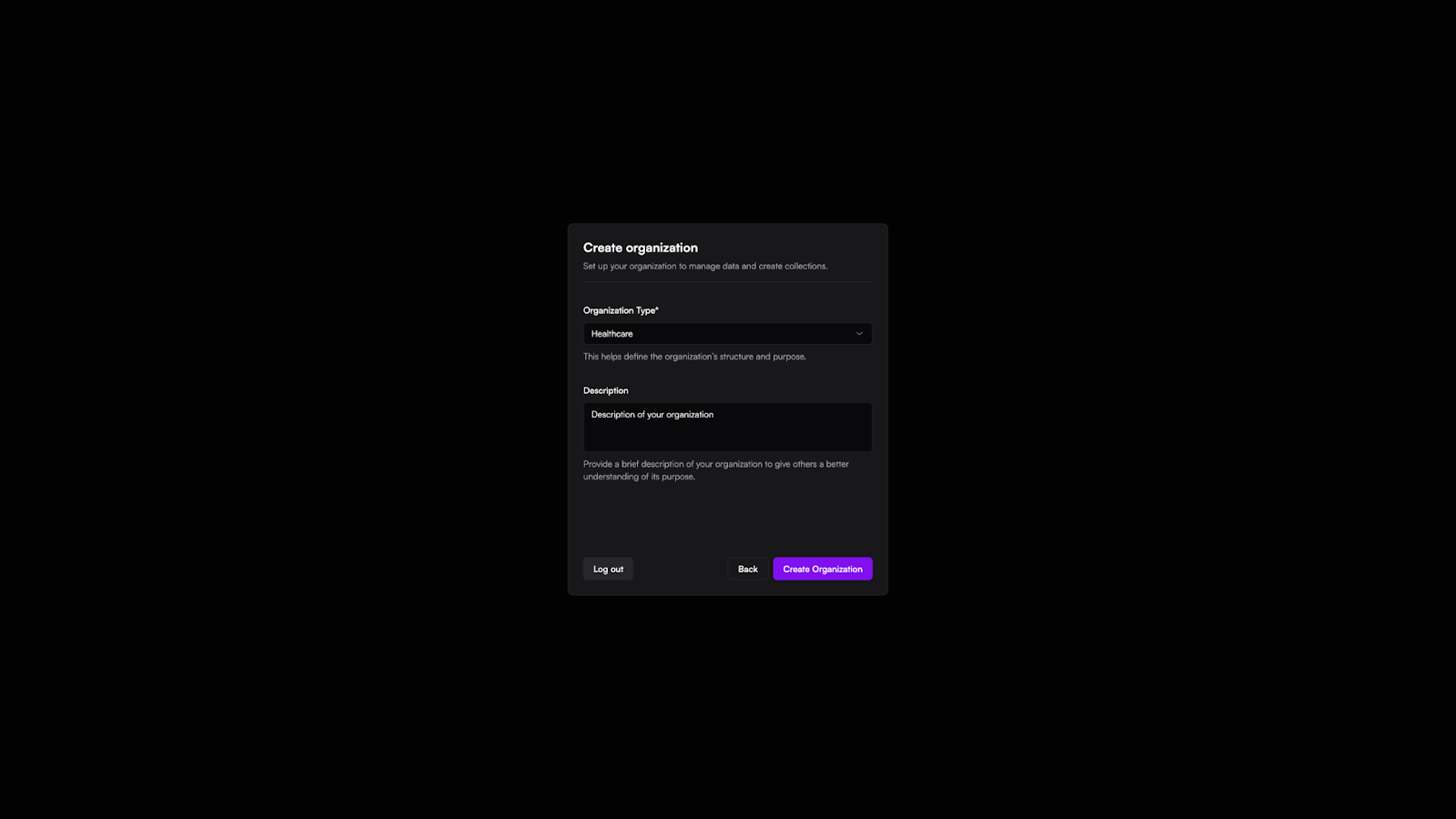
- Organization Type: Select the industry or sector that best describes your work (e.g., Healthcare) to help define your organization’s structure.
- Description: Add a quick summary of what your organization does. This gives other team members a better understanding of the workspace's purpose.
- Finish: Once you're happy with the details, hit Create Organization to launch your new workspace.